

Bingo at 1ccc: Rooms, Cards, and Patterns
In the late afternoon, a short round can fit between other commitments: choose a room, check the pace of the calls, and follow the numbers without rushing. On this page, the control to pay attention to first is leaving the room. Check how an ongoing round is handled when you leave the table and whether a purchased card continues to participate; the rules shown in the room itself will guide your decision. This way, you can watch the draw, decide whether to stay until the end, or clearly end your session.
Tap to PlayWe’ve organized bingo into rooms with information to help you choose before buying: round pattern, call speed, available cards, and draw status. Open the room details and read the conditions shown there, as the setup may change from one round to another. If you’d rather understand the environment first, watch the screen and follow a call before selecting cards. The goal is for you to know what you’re marking and which winning format is in play.
A room combines cards, called numbers, and a pattern that determines when the round can end. Follow the indicators on screen, and don’t assume all rooms use the same pace or marking rules. Before buying, check the price, quantity, pattern, and scheduled start; then keep an eye on the round panel. Bingo involves chance, and there is no guarantee of a prize. For ages 21+; play responsibly and within limits that are right for you.
How to leave a room without disrupting the rest of your session
To leave a room, use the exit command shown in the interface and read any notice before confirming. The key is to distinguish leaving the view from canceling a participation: if you’ve already bought a card, the rules screen should clarify whether it remains in the draw and can still be marked automatically. Avoid closing the page without checking the round status. After leaving, you can look for another room or end your session completely; always check for any pending confirmation so you don’t make a choice other than the one you intended.
How number marking works in this room
Marking, also called daubing, indicates on the card which numbers have already been called. Depending on the room, you can mark manually or use automatic marking; look for this option in the controls before the round starts rather than assuming it’s enabled. Compare the announced numbers with the spaces on your card and follow the pattern progress indicator. If you play with multiple cards, check which one is selected and whether they’re all visible. The interface helps you follow the round, but it’s worth checking the room rules and notices.
How many cards to choose before the first call
The number of bingo cards is up to you, subject to the limit and price shown for that room. More cards may require more attention, especially when marking manually or when calls come quickly; starting with a few makes it easier to understand the number layout and controls. Before confirming your purchase, review the total, the number selected, and the valid pattern. After confirming, check that the cards appear on the round screen. A simple, easy-to-read selection usually makes it easier to follow each call.
Patterns that end the round beyond a single line
Not every room ends when someone completes a single line. The goal may be to form lines in different directions, fill in a specified shape, complete all four corners, or fill an entire card, depending on the round's rules. The pattern shown in the panel is the reference: check which spaces count and whether the pattern must be completed in a specific order. Also check whether there is more than one winning condition. Understanding the pattern before the first call helps you avoid mistaking a valid mark for an incomplete pattern and makes it easier to follow the finish.
FAQ
How do I choose a bingo room?
Compare the information shown before joining: the round's time or status, call speed, pattern, price, and card availability. If anything is unclear, open the room rules before buying. Your choice depends on the pace and format you prefer to follow.
Can I watch the draw before buying a card?
You can open the room and check which information and controls are available before buying. Whether you can watch a round without participating depends on how the interface works. Check whether the room is accepting entries and whether the draw has started before deciding.
What does a fast call mean?
It is a round where numbers are announced at shorter intervals, leaving less time to check cards and follow the pattern. Check the speed indicator in the room details. If you are still learning the controls, a slower option may be more comfortable.
Can I buy cards after the draw has started?
That depends on the room and the stage of the round. The interface should indicate whether purchases are still open or the deadline has passed. Don't count on being able to join after the first call: check the room status and conditions before confirming any purchase.
Does automatic marking apply to all my cards?
Don't assume it does. Check the marking selector and the status of each card, especially if you added more after enabling the option. The instructions shown in the room explain how the feature works and let you check whether called numbers are being marked.
Where can I get help if a card doesn't appear?
First, check the purchase confirmation and the round panel; also see whether the card is in another tab or interface selection. If it is still missing, check the support options available on the platform and provide the details shown in the confirmation, without sharing passwords.
 10 Burning Roll
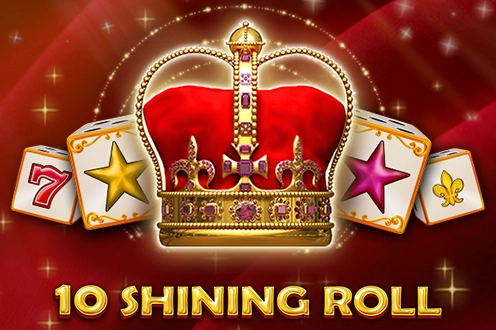 10 Shining Roll
 10 Super Roll
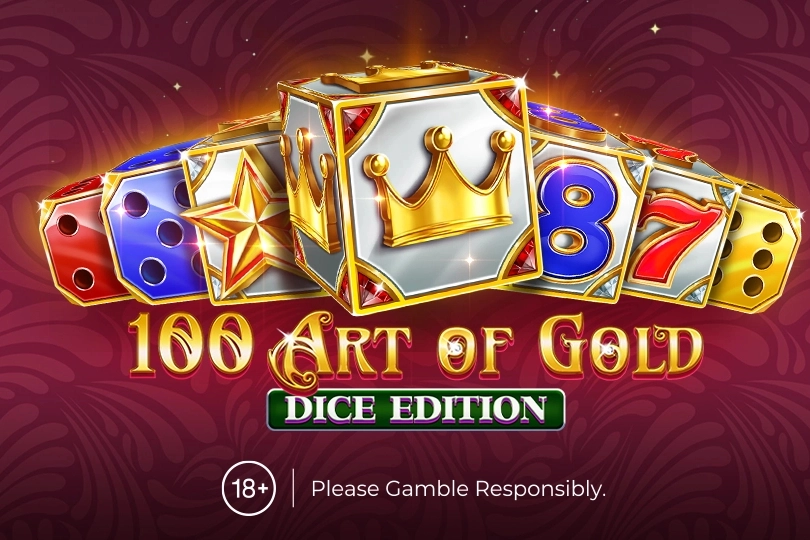 100 Art of Gold Dice Edition
 100 Bit Dice
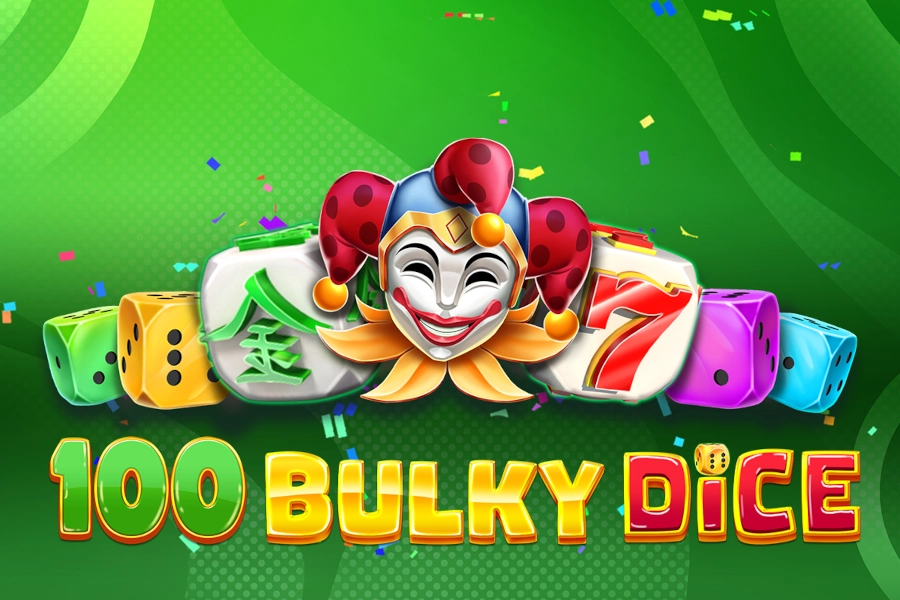 100 Bulky Dice
 100 Burning Roll
 100 Dazzling Roll
 100 Dice
 100 Dragons Pull Tabs
 100 Golden Coins Dice Edition
 100 Joker Roll
 100 Leprechaun Roll
 100 Power Hot Dice
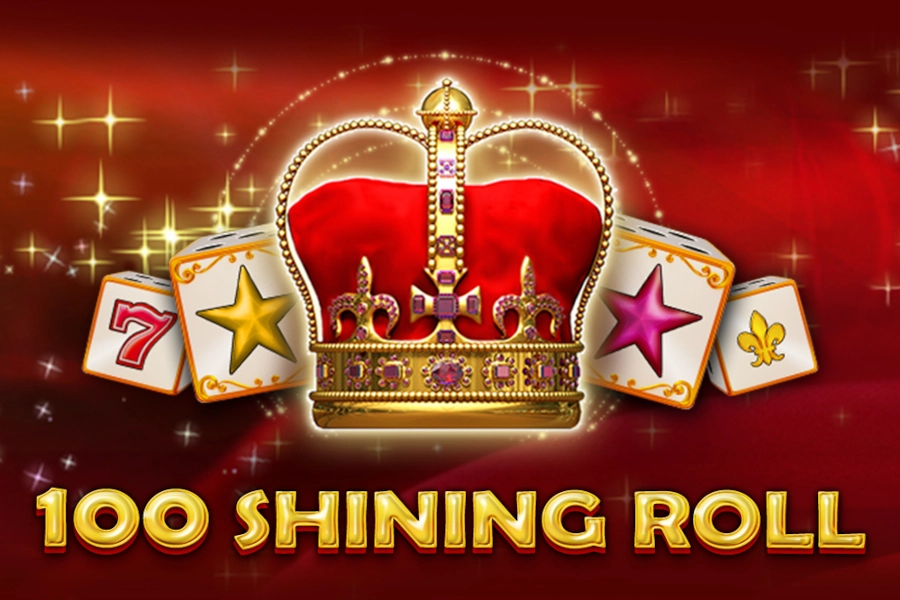 100 Shining Roll
 100 Stunning Dice
 100 Super Dice
 100 Super Roll
 1000 x Rush
 10000 x Rush
 1000x Busta
 10K Dice
 12 Golden Eggs
 1524 Golden Quest
 1Tap Mines
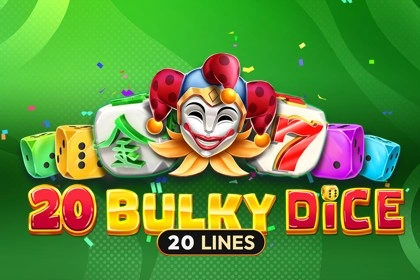 20 Bulky Dice
 20 Burning Dice
 20 Burning Roll
 20 Dazzling Roll
 20 Golden Dice
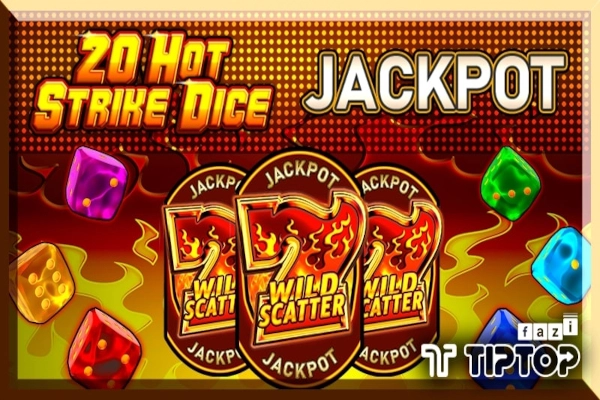 20 Hot Strike Dice Jackpot
 20 Hot Strike Dice
 Game Claim Free Credit Link RM10 from MEGA888 (100)
 Game Claim Free Credit Link RM10 from MEGA888 (101)
 Game Claim Free Credit Link RM10 from MEGA888 (102)
 Game Claim Free Credit Link RM10 from MEGA888 (103)
 Game Claim Free Credit Link RM10 from MEGA888 (104)
 Game Claim Free Credit Link RM10 from MEGA888 (105)
 Game Claim Free Credit Link RM10 from MEGA888 (106)
 Game Claim Free Credit Link RM10 from MEGA888 (107)
 Game Claim Free Credit Link RM10 from MEGA888 (108)
 Game Claim Free Credit Link RM10 from MEGA888 (109)
 Game Claim Free Credit Link RM10 from MEGA888 (110)
 Game Claim Free Credit Link RM10 from MEGA888 (111)
 Game Claim Free Credit Link RM10 from MEGA888 (112)
 Game Claim Free Credit Link RM10 from MEGA888 (113)
 Game Claim Free Credit Link RM10 from MEGA888 (114)
 Game Claim Free Credit Link RM10 from MEGA888 (115)